Middle finger dunk AI free: preview the dunk first
Try the middle finger dunk AI free
Add a front-facing photo for the dunker, and one for the defender if you like, then press Generate. If your account has a free preview, the button says FREE PREVIEW.
Who plays who
Add at least 1 photo
See the first 2 seconds free. The full video is 600 credits.
One person per photo, face clearly visible. JPG, PNG or WebP up to 10 MB.
- No app
- No watermark
- Credits back if a video fails
Add a photo and watch a free 2-second preview of you in the air at the rim, dunking with one hand and flipping the middle finger with the other. No credit card. If you like it, make the full 9-second video with the same photos.
- One free preview for new accounts
- See the dunk before you pay
- One photo per role, no prompt, no app
What's free and what you pay for
The free preview shows you how you look on the dunk. The full middle finger dunk AI video is the one you keep and post.
| Free previewFor new accounts | Full videoThe one you postStart with the free preview | |
|---|---|---|
| Length | 2 seconds: the dunk and the middle finger | All 9 seconds, from the dribble to the last middle finger at the camera |
| Quality | 480P | 720P |
| What you can do | Watch and replay | Download and share |
| How many | One per account | As many as your credits cover |
| Credit card | Not needed | Only to buy credits |
| Price | Free | From $9.90 for one video, one-time |
How to get your free middle finger dunk preview
- 1
Sign in
Use an email code. You won't be asked for a credit card.
- 2
Add your photos
One photo for the dunker. Add a friend's photo for the defender, or leave the original defender in.
- 3
Watch your preview
Press Generate. About two minutes later you see yourself at the rim, dunking and flipping the middle finger.
- 4
Make the full video
Like it? Make all 9 seconds from the same photos, then download and post it.
Photos that make a good free preview
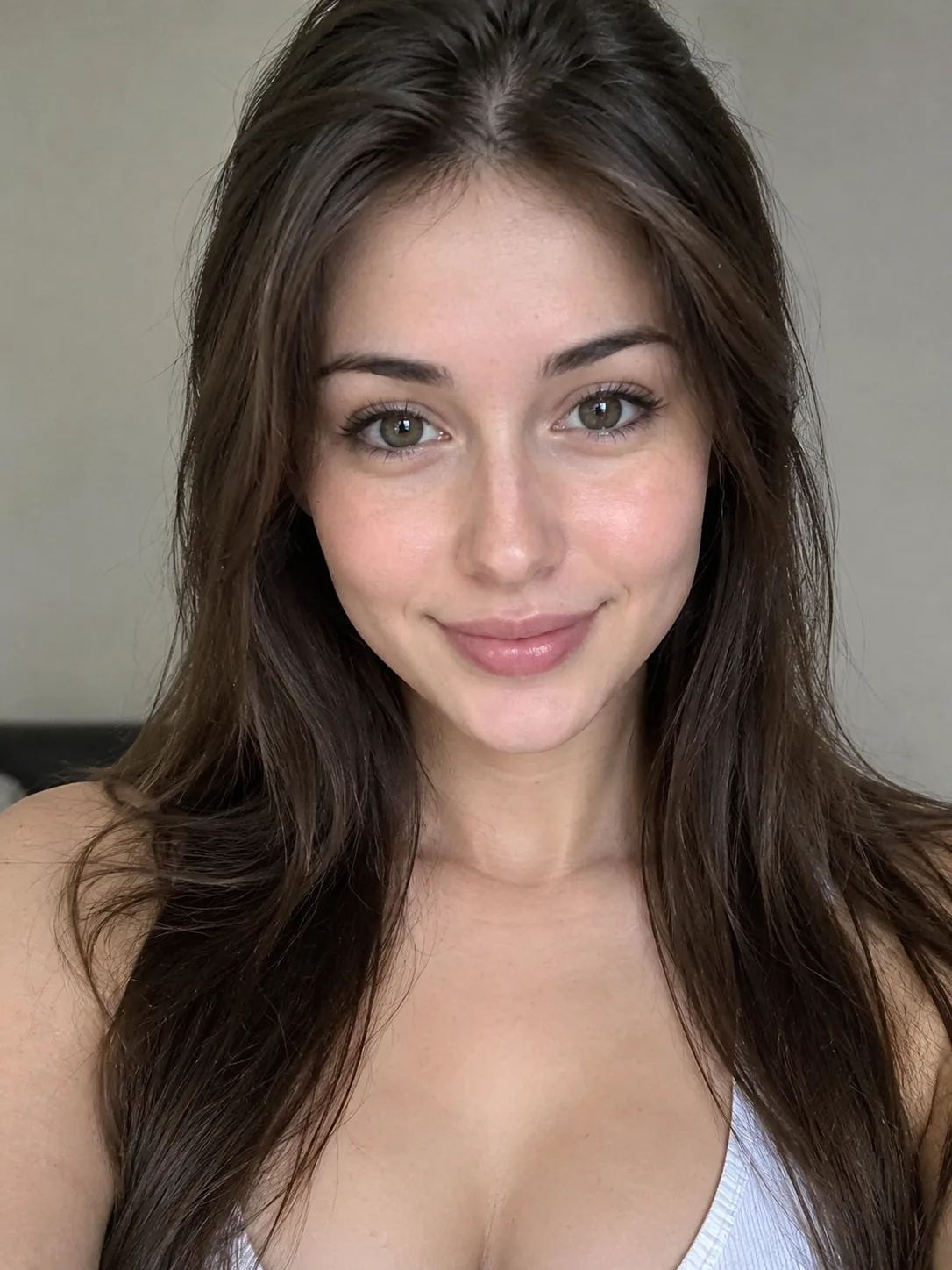
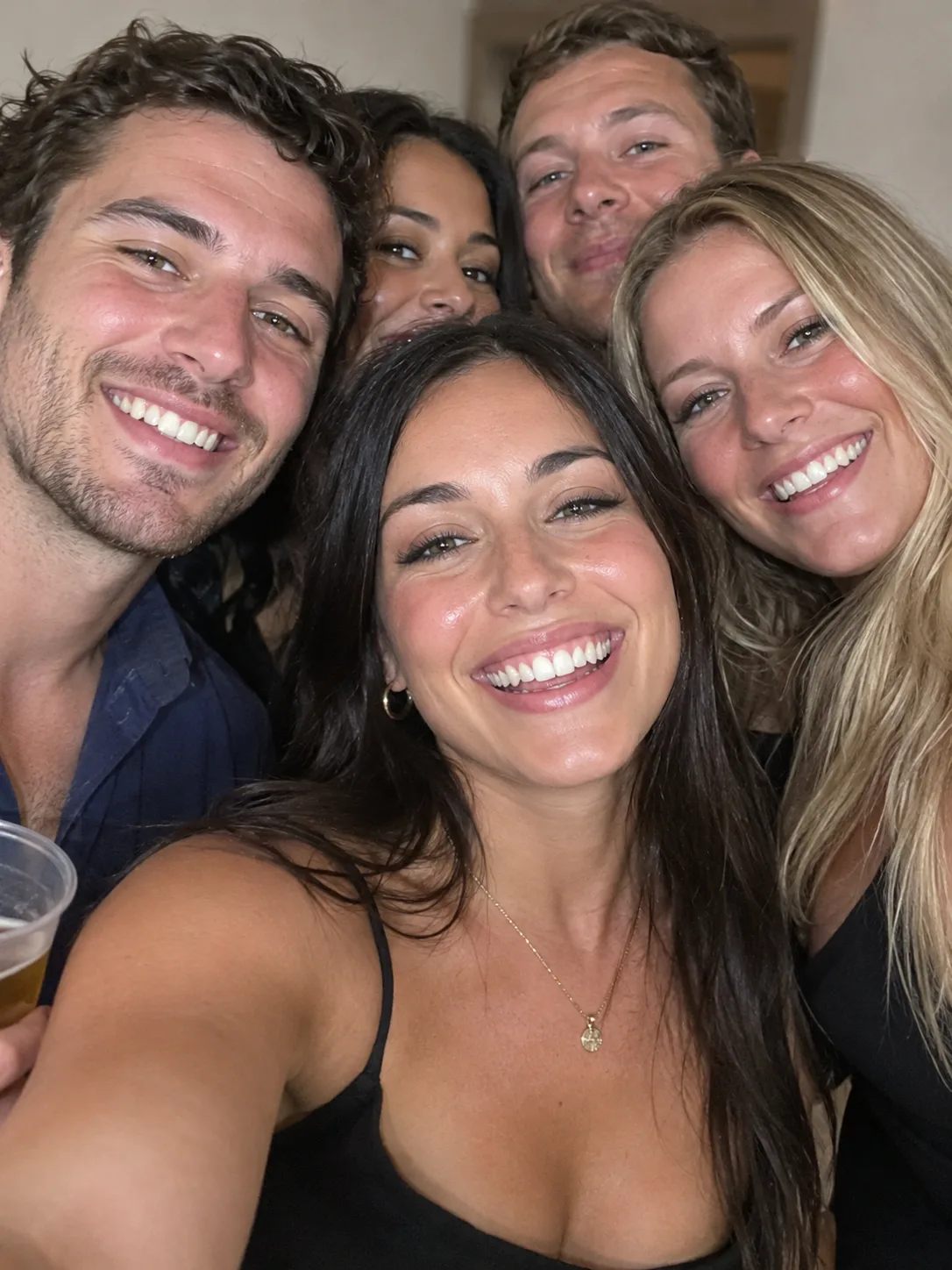
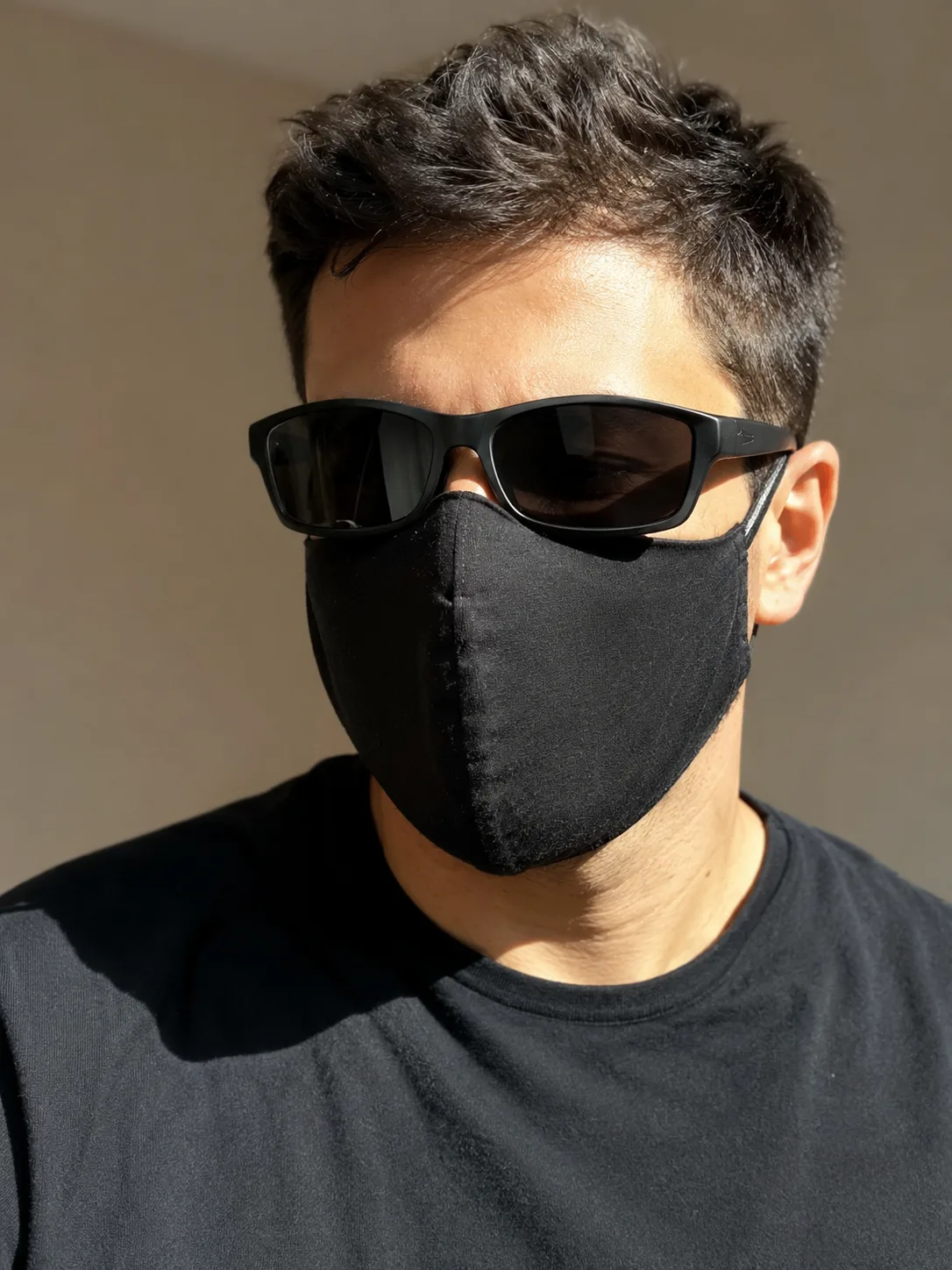
You get one free preview, so start with good photos. The faces in your video come from them.
Works best
 Face the camera
 Even light
 Face clearly in frame
Avoid
 Group photos
 Sunglasses or masks
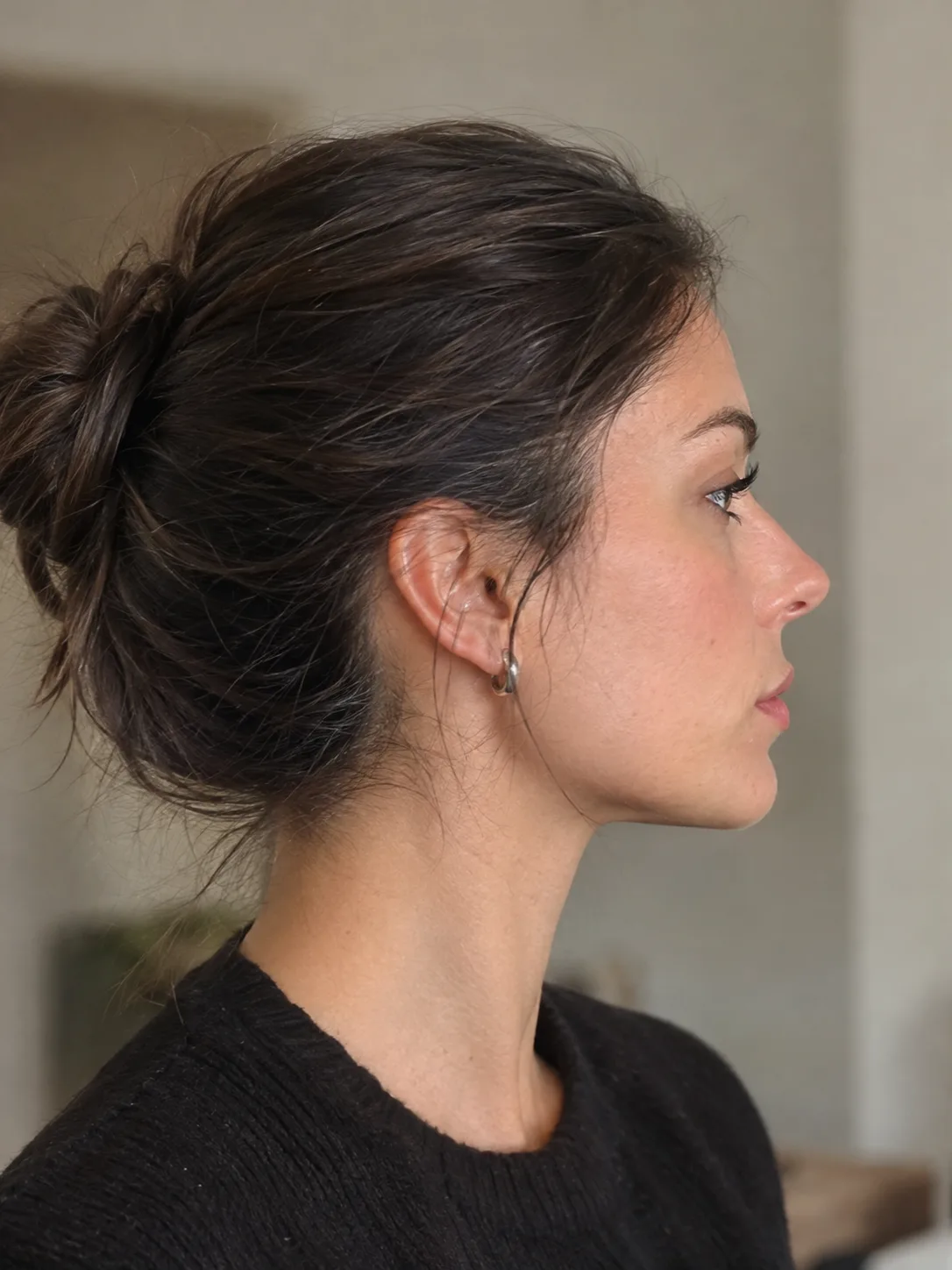 Side profile
Middle finger dunk free preview: questions
You can try it free. New accounts get one free preview: 2 seconds of the dunk with you in it, at 480P. The full 9-second video is paid with credits.
The dunk itself: you in the air at the rim, the ball in one hand and the middle finger up with the other, with the defender below. It's the part you'd want to check before you pay.
No. You sign in with an email code, and the free preview needs no card. You only pay if you buy credits for the full video.
Yes. Add their photo for the defender, just like the full video. Either way it's your one free preview.
No, the preview is watch-only. Download and share come with the full video.
One per account, for new accounts that haven't bought credits. It's paid by the free credits you get when you sign up, which aren't available in every country or on every day.
Each video uses 600 credits, with one photo or two. $9.90 makes one video, and bigger packs cost less per video. Packs are one-time; there's no monthly plan. If a video fails, its credits come back.
More middle finger dunk guides
What is the middle finger dunk trend?
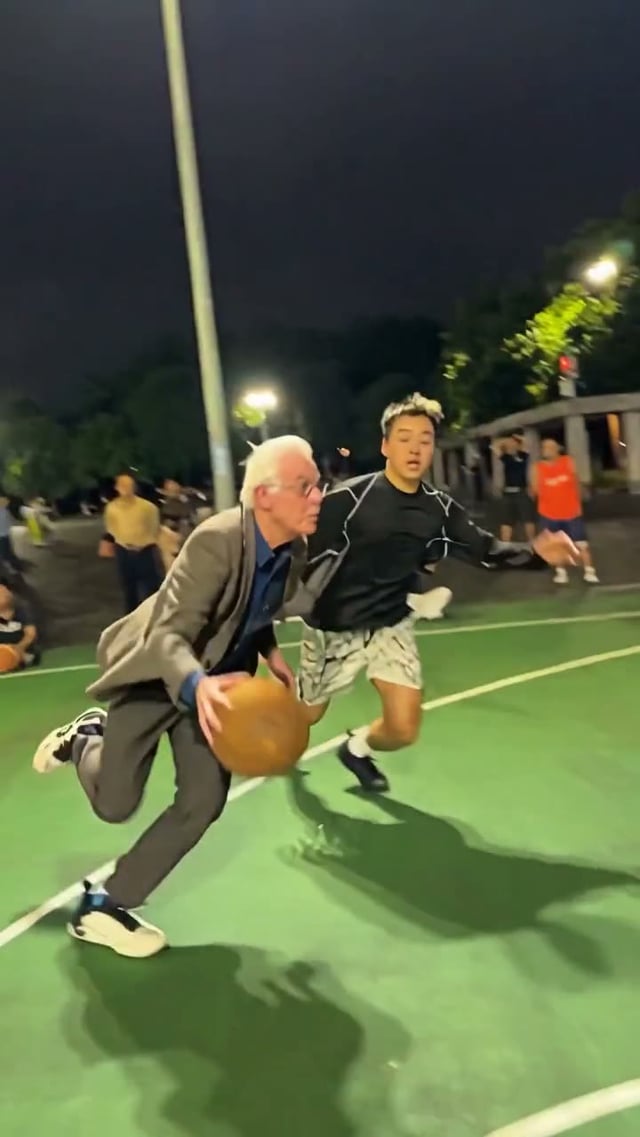
The middle finger dunk trend is a short vertical phone clip from an outdoor basketball court at night. A player dribbles past a defender, dunks with one hand while the other hand flips the middle finger, then lands and flips off the camera as the crowd on the sideline reacts. In the AI versions that spread in late October 2026, the dunker, and sometimes the defender, are people from uploaded photos.
How to make the middle finger dunk AI video
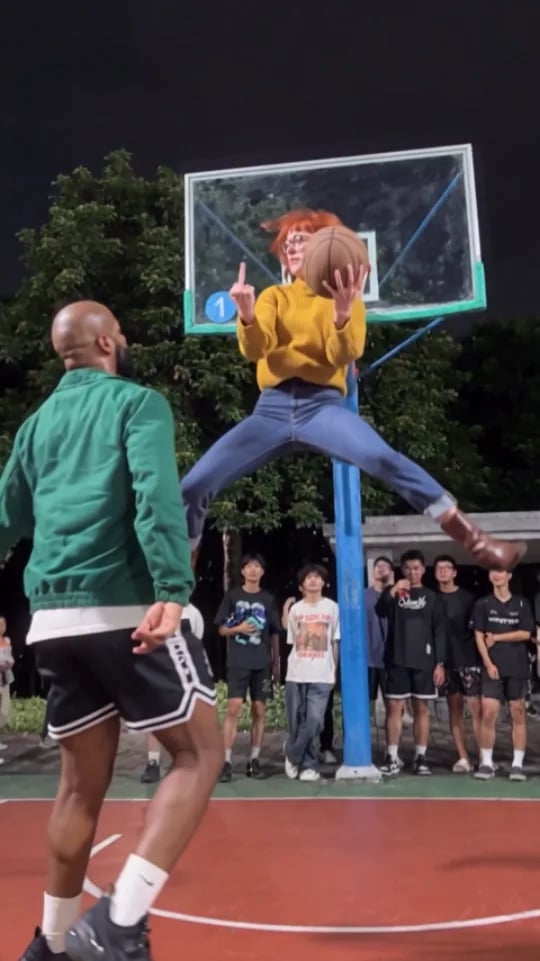
There are three ways to make the middle finger dunk AI video, the night-court clip where you dunk on a defender and flip off the camera: use a CapCut template, write a prompt for an AI video tool, or add your photos here. This guide walks through the photo way step by step, including which photo goes in which role, then covers posting it and what to change when a player looks off.
Middle finger dunk AI prompt
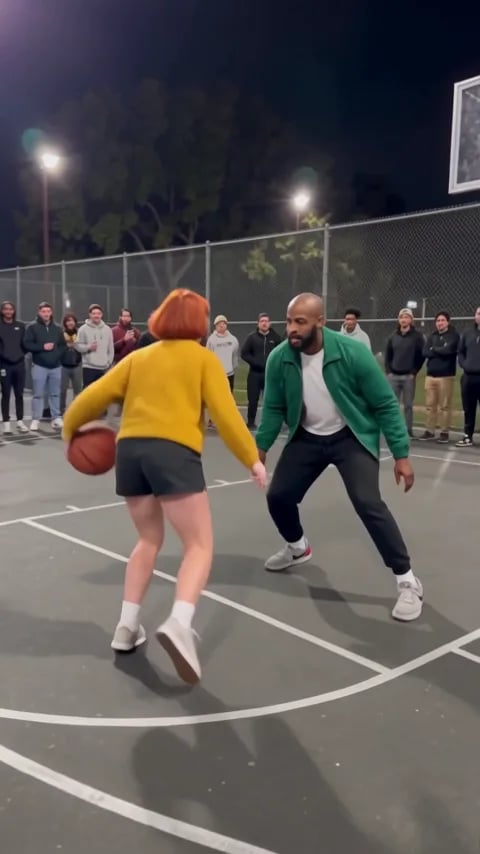
Copy the middle finger dunk AI prompt below into an image-to-video tool that takes reference photos. We ran it once in Wan 3.0 with two photos, so you can see what it got right, what it missed and what to change. Rather not write a prompt? Make it here from one or two photos; the court, the crowd and the moves come from the trend's own clip.
See yourself on the dunk, free
One photo, about two minutes.